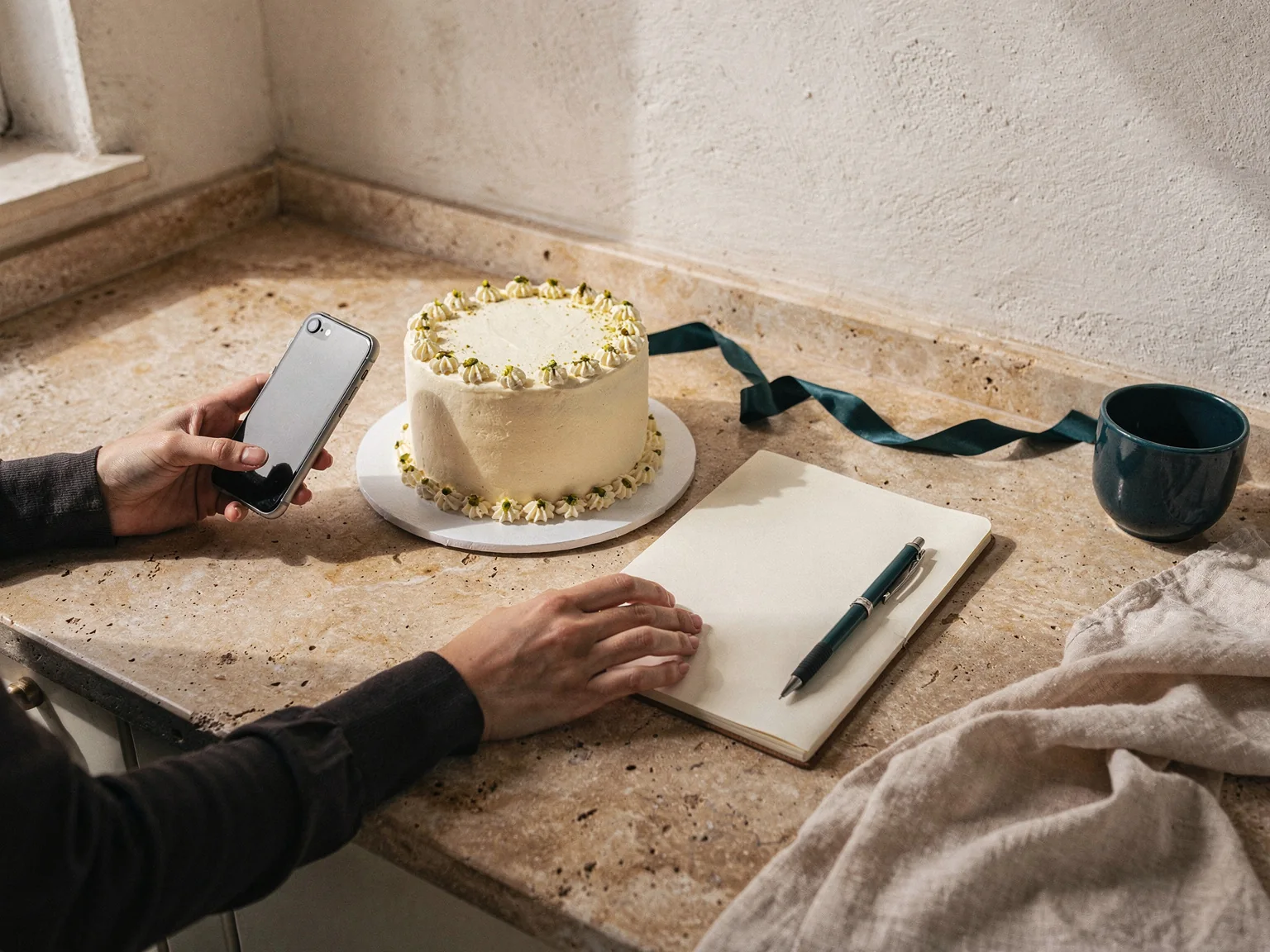
Track unpaid balances
Ready to hand over. Is the balance paid?
Baqilak shows what remains on each order from the payments you record. For example, an OMR 28.000 order with OMR 10.000 paid leaves OMR 18.000 to collect before handover.
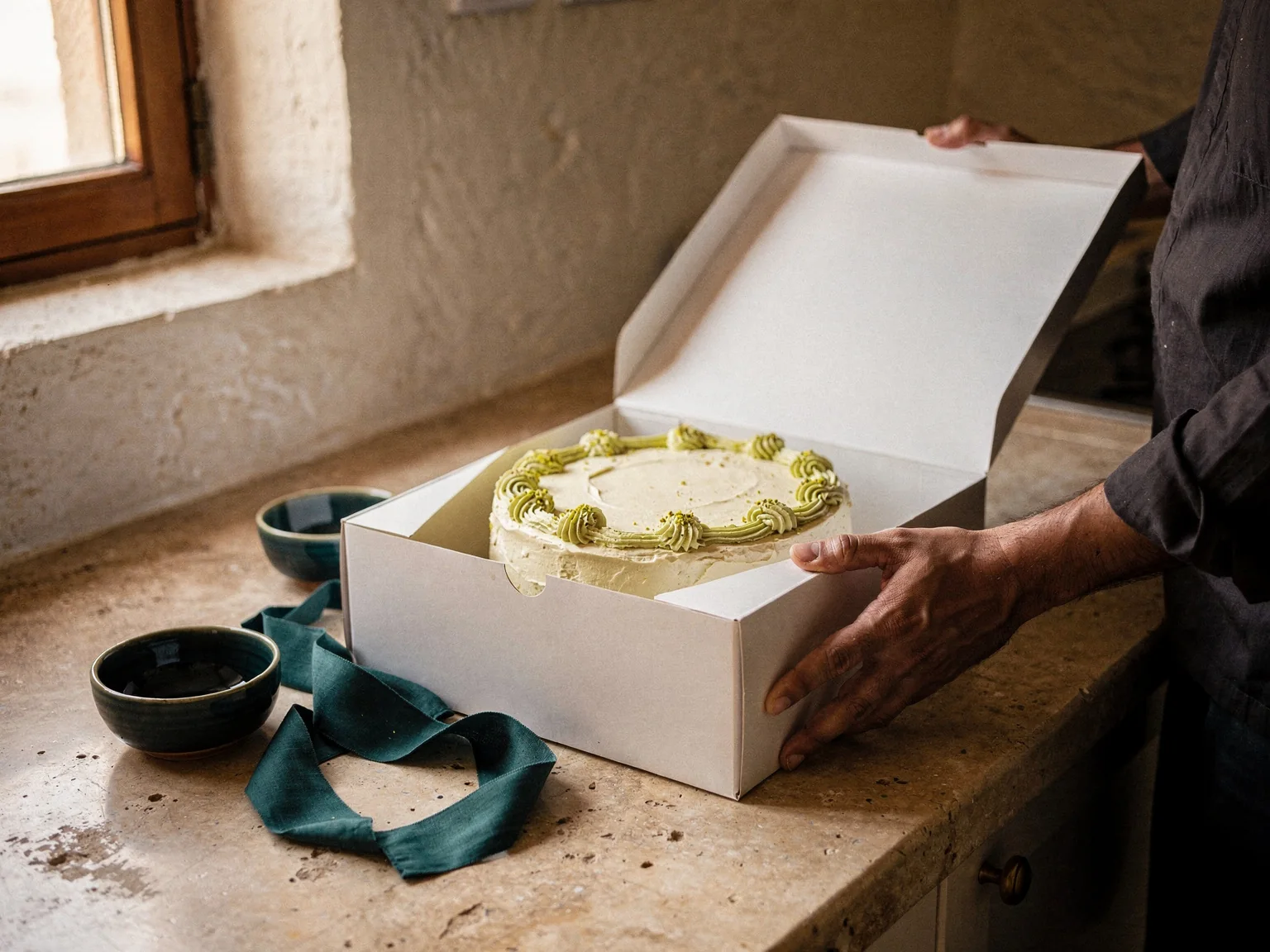
A worked example
The amount to check before pickup
Illustrative order, not customer data.
- Order total
- OMR 28.000
- Recorded deposit
- OMR 10.000
- Remaining balance
- OMR 18.000
Are you recalculating the balance at pickup?
The order is ready, the customer is waiting, and you are trying to remember whether they paid a deposit or the full amount. A recorded balance gives you a starting point before the handover conversation.
How does it work?
The order total is OMR 28.000 and the recorded deposit is OMR 10.000. Check the OMR 18.000 balance before pickup. If the customer has already transferred it, confirm receipt and record the payment first.
Keep the total and due date together
Save the agreed order amount and the date payment is due. Each order keeps its own currency, so OMR and AED amounts stay separate.
Bring the payment record up to date
Enter confirmed payments and any refunds against the order. The balance and payment status follow those records and dates; you do not mark an order paid by guesswork.
Review before handing over
Check the remaining balance when preparing the order. If money is still due, open a WhatsApp reminder and review it before sending it yourself.
Your questions, answered
Why does an order still show money owed after a bank transfer?
Baqilak uses the payments you record, not your bank account. Check that the transfer arrived and enter it against the correct order to update the remaining balance.
Can I set an order to paid manually?
No. Payment status is derived from recorded payments, refunds and dates. Record the payment you received so the order reflects what happened.
Can I track both OMR and AED orders?
Yes. Each order carries its own currency. OMR uses 3 decimal places and AED uses 2. Check the currency as well as the amount when recording a payment.
Is this a full accounting system?
No. Baqilak tracks customers, orders and recorded payments. Use your accounting tools or accountant for business accounts and tax reporting.
Check the balance before the customer arrives.
Add an upcoming order and its confirmed payments. Use the remaining amount to prepare for the handover.