Track customer deposits
Which order was that deposit for?
Baqilak keeps a customer's deposit with their order. Record OMR 10.000 against an OMR 28.000 cake order and see the OMR 18.000 balance when it is time to collect.
A worked example
From deposit to pickup
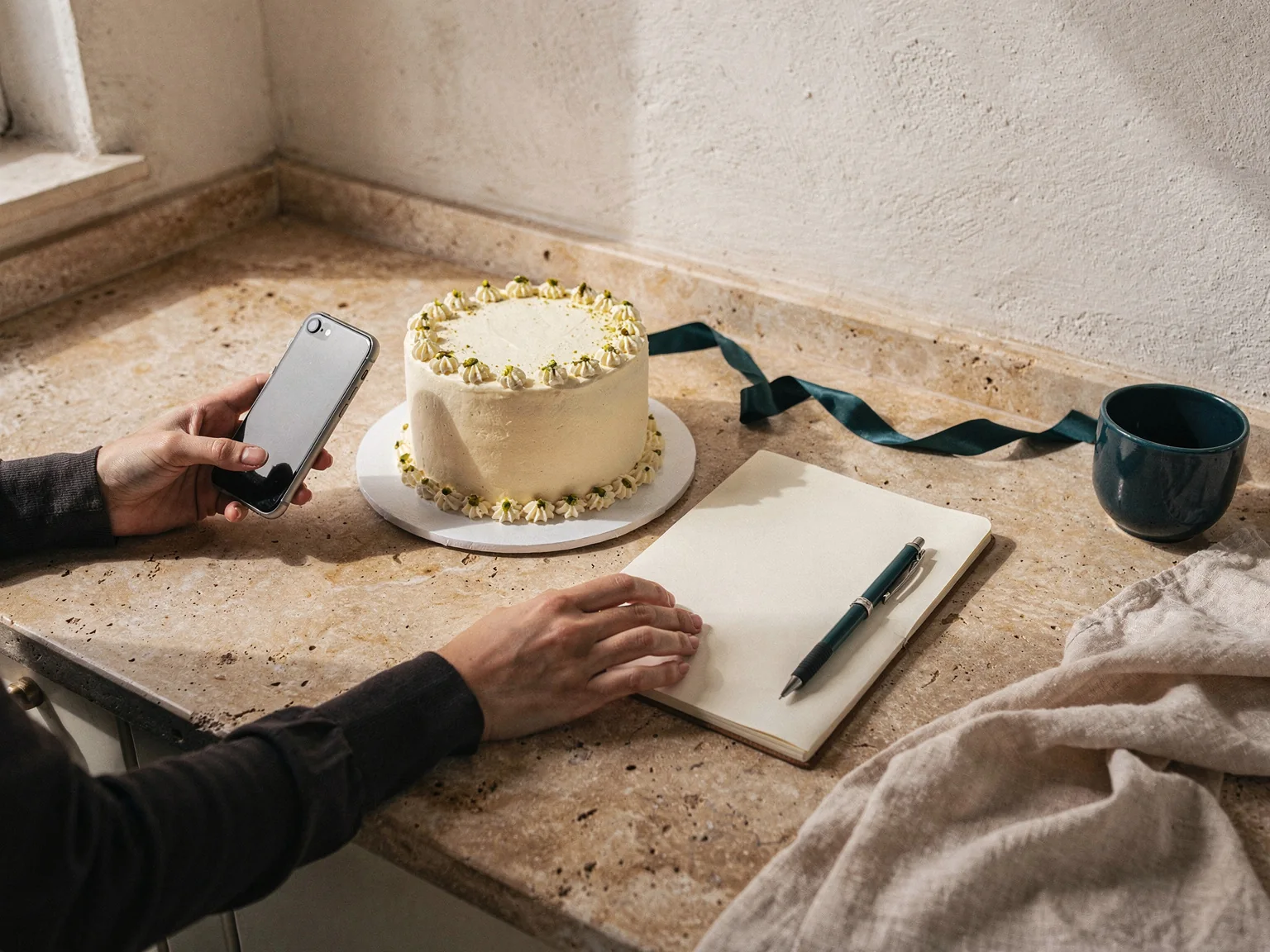
Illustrative order, not customer data.
- Order total
- OMR 28.000
- Recorded deposit
- OMR 10.000
- Remaining balance
- OMR 18.000
Are deposits getting lost between messages?
A transfer screenshot arrives in the middle of a conversation about cake flavours. By pickup day, finding the deposit means scrolling through photos and voice notes. Give the payment a home: the order it belongs to.
How does it work?
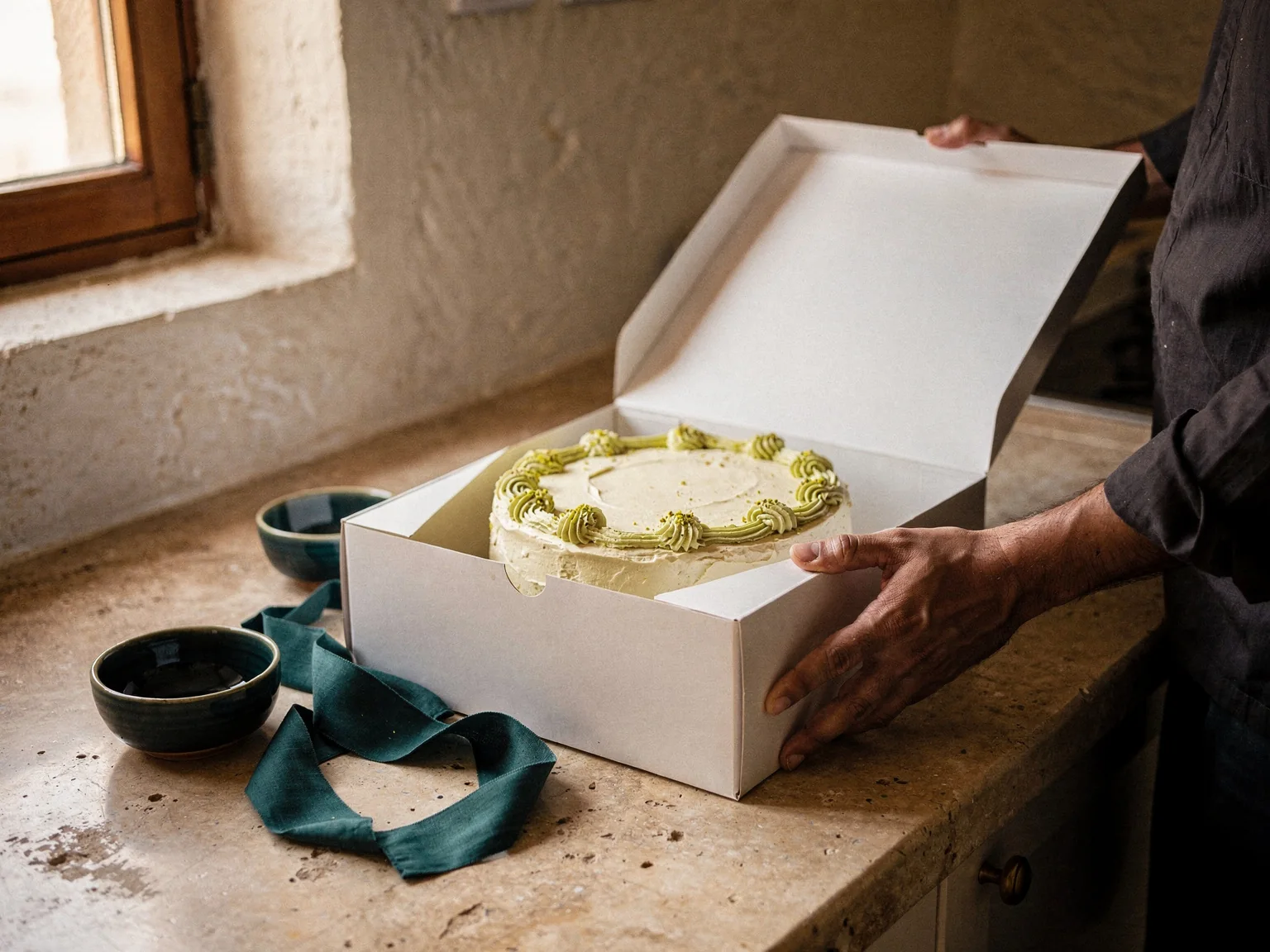
A birthday cake costs OMR 28.000. You confirm and record an OMR 10.000 deposit. The order now shows OMR 18.000 remaining. When the customer pays the rest, record that payment against the same order.
Save the agreed order
Record the customer, order details, total and due date. Keep the price you agreed on alongside the work you need to deliver.
Check the payment, then record it
Confirm the money arrived using your usual payment records. Enter that amount against the order. Baqilak does not check bank transfers for you.
Record later payments as they arrive
Keep the deposit and later payments together. The remaining balance updates from the payments you enter, so you can check it before handover.
Your questions, answered
Can I record a deposit and a later payment?
Yes. Record each payment against the same order. The balance reflects the payments you entered, rather than treating the deposit as a separate order.
Does Baqilak take deposits from customers?
No. You collect money through your usual payment method and record it in Baqilak. The app does not process payments or verify bank transfers.
How much deposit should I ask for?
Choose an amount that fits your materials, preparation and agreement with the customer. Baqilak records the amount you received; it does not choose a deposit policy for your business.
Does the customer need the app to pay a deposit?
No. Only the seller needs Baqilak. Customers keep using the payment method you agree with them.
Give the next deposit a clear home.
Start with one order. Add its total and the deposit you have confirmed, then check the remaining amount before pickup.